Template range
40 layouts

A calmer way to put a CV together.
HandyCV started as a more structured way to work on a CV. The content stays in one place while you try different layouts, preview changes, and share the result when it feels ready.
Template range
40 layouts
Delivery
PDF, URL, email
Editing flow
Structured with live preview
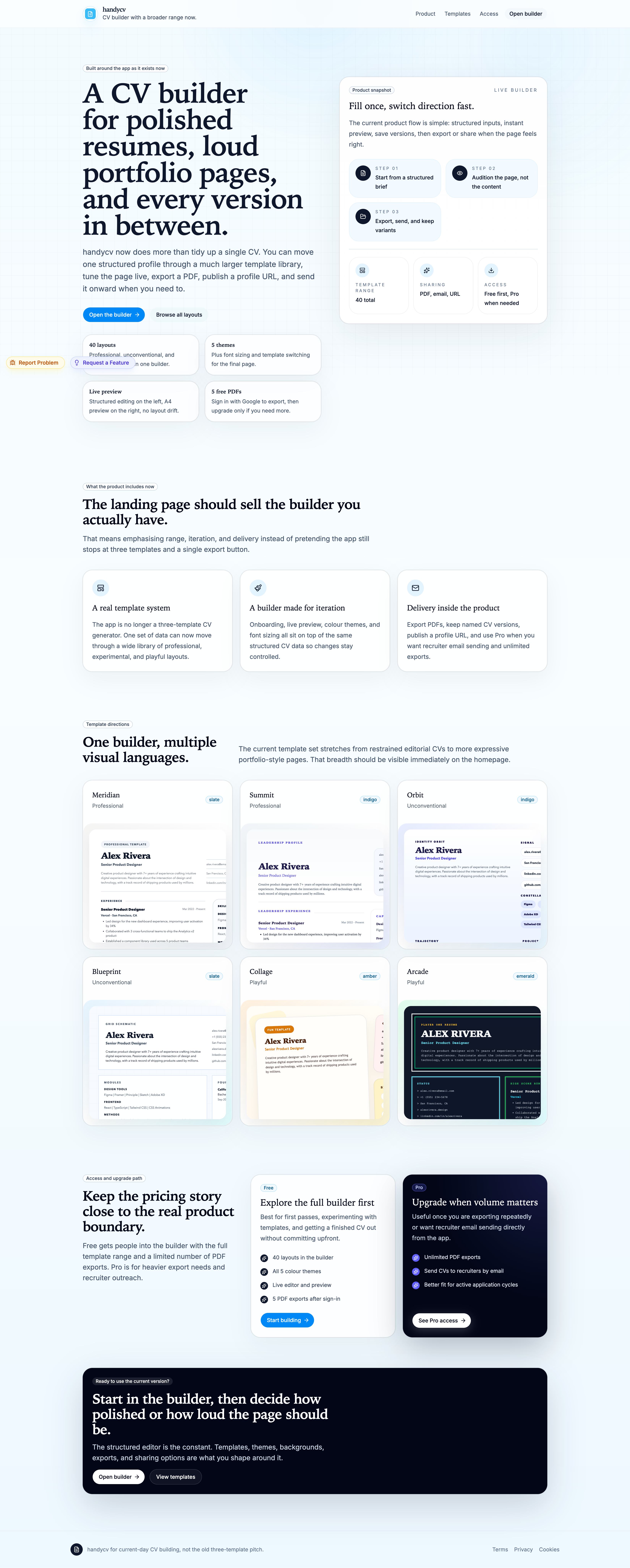
Fill once, switch direction fast.
The idea is simple: write the details once, try a few directions, then keep the version that feels right.
Start from one structured profile
Write the essentials once, then keep your data stable while the page design changes around it.
Audit direction live
Preview updates as you type, switch templates, and tune color or type without losing the thread.
Export or share when it feels right
Save a PDF, keep named versions, publish a profile URL, or send it onward when the page is ready.
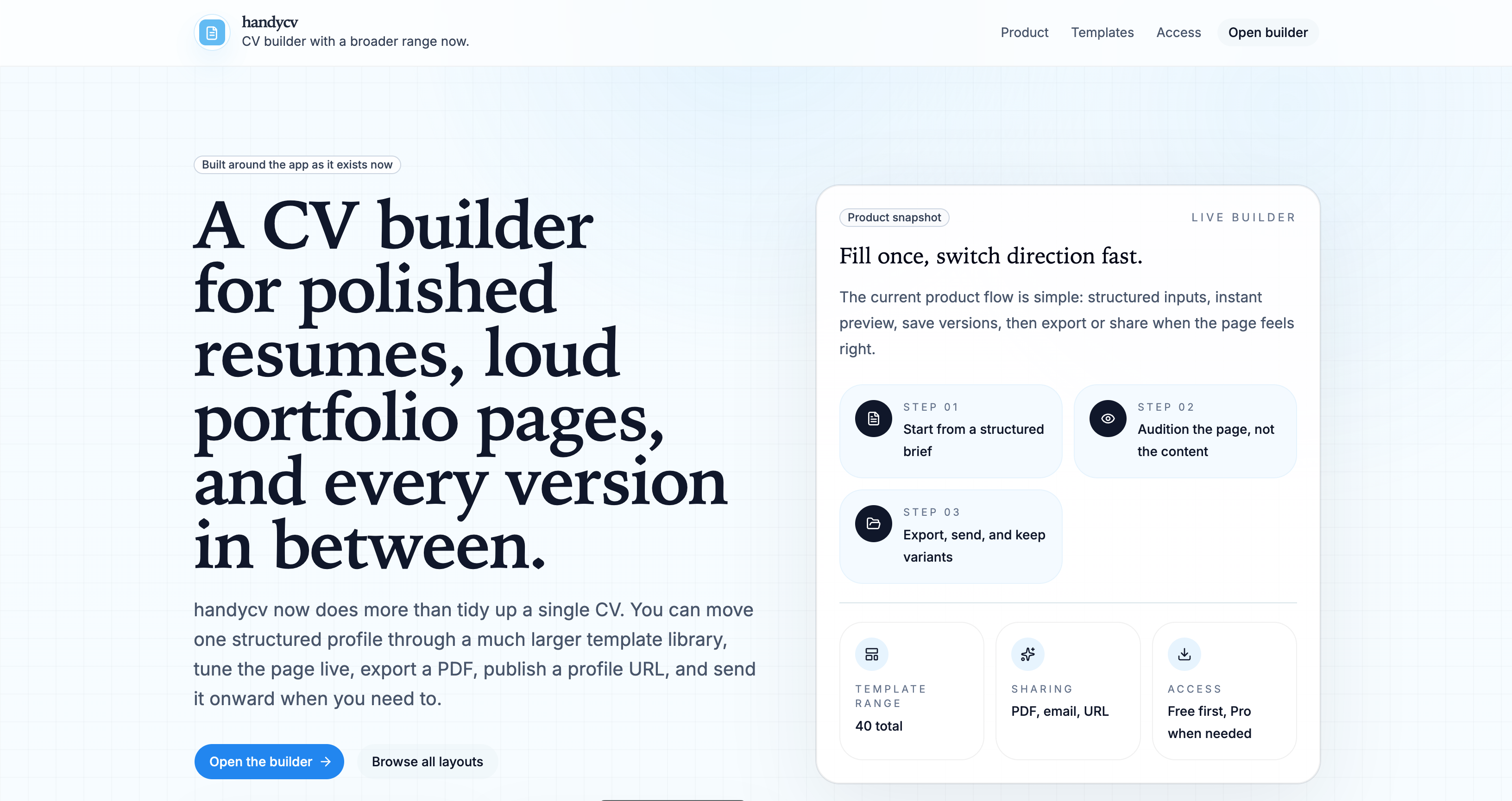
See the whole project, not one narrow template
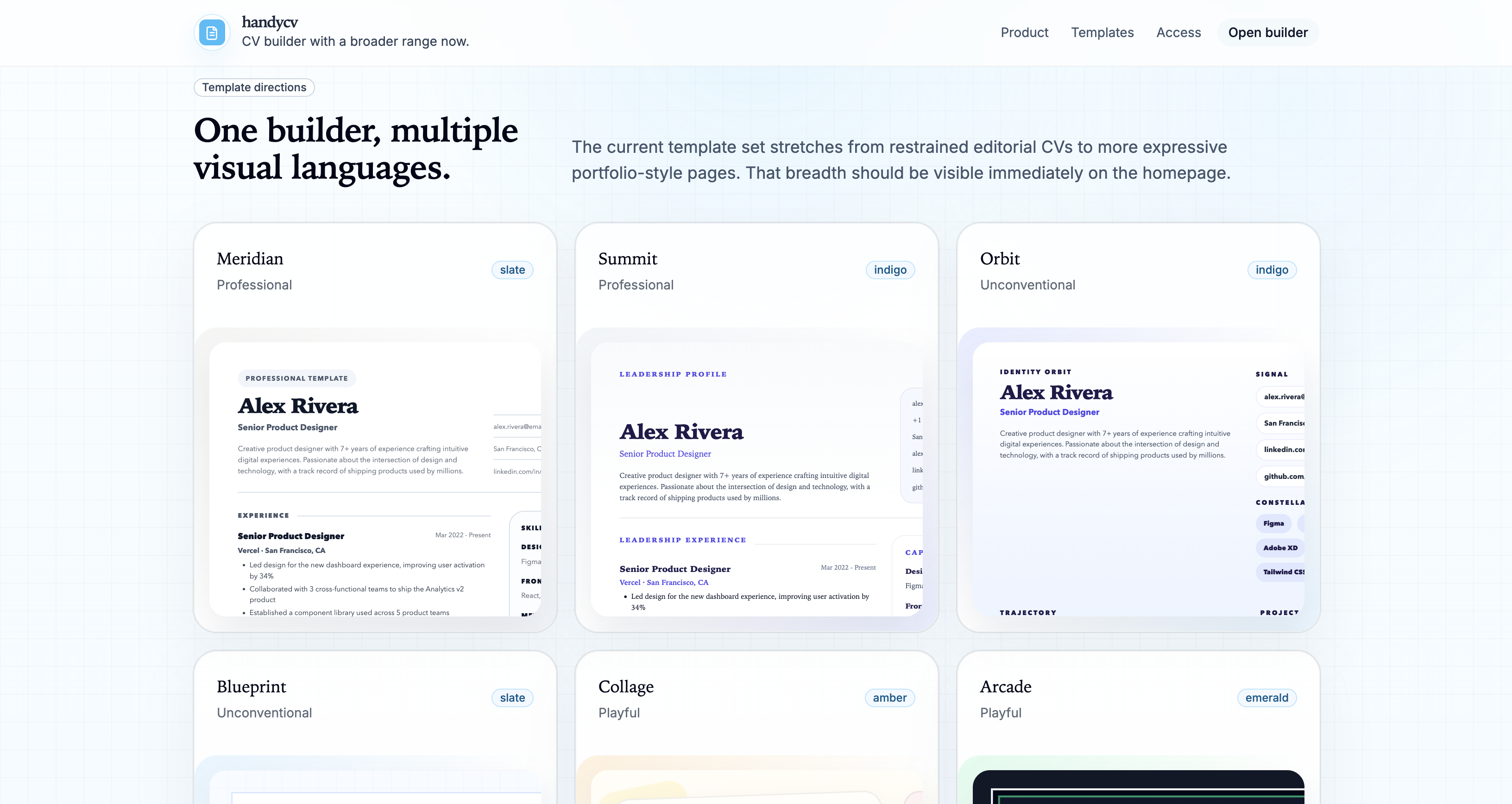
Switch layout direction without rewriting everything
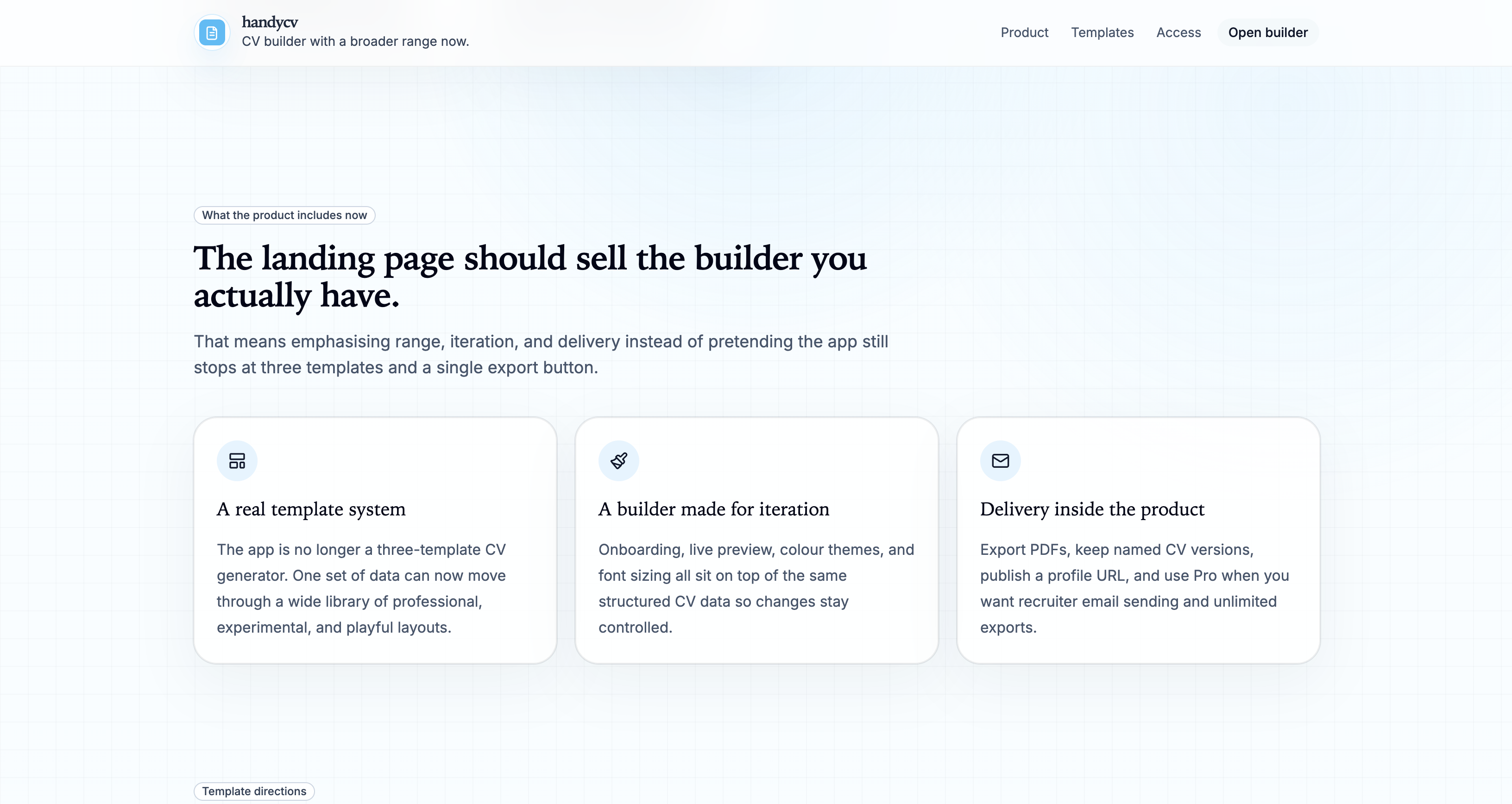
Export, publish, and send when it is ready
Real template breadth
Move through a wider library of layouts without re-entering your experience each time.
Live tuning
Adjust themes and typography while the page updates in front of you, not after a refresh cycle.
Versions and autosave
Keep progress in the browser and return later without worrying about losing a good draft.
Start from existing material
Bring in a CV or LinkedIn profile instead of beginning from a blank page every time.
Start with structure, then decide how quiet or loud the page should be.
HandyCV handles the organized part first. Templates, themes, exports, and sharing options are there when you need them.